
If you can drag n’ drop, you can make stunning social media videos in minutes, even without ever standing in front of the camera. Read to discover more.
30secs to 2-mins stunning social media videos are taking over the entire web not just social media platforms and the best part is that making them is very easy.
Thanks to new video maker software and tools that have been recently launched in the last 2-4 years that makes it super easy to make these videos. If you can drag n’ drop, you can make a stunning social media video in minutes even without ever standing in front of the camera.
Also, most of this software comes with full readymade video templates, thousands of premade slides, and millions in royalty-free video assets (stock video footage, stock images, video effects, stickers, gifs, and soundtracks) so you can create a series of social media campaigns right inside them.
Let’s dive in:
List of Best Video-Making Apps Social Media Videos
In this blog post, we’re going to share most of these new tools with you and what we love about them.
Wave Video
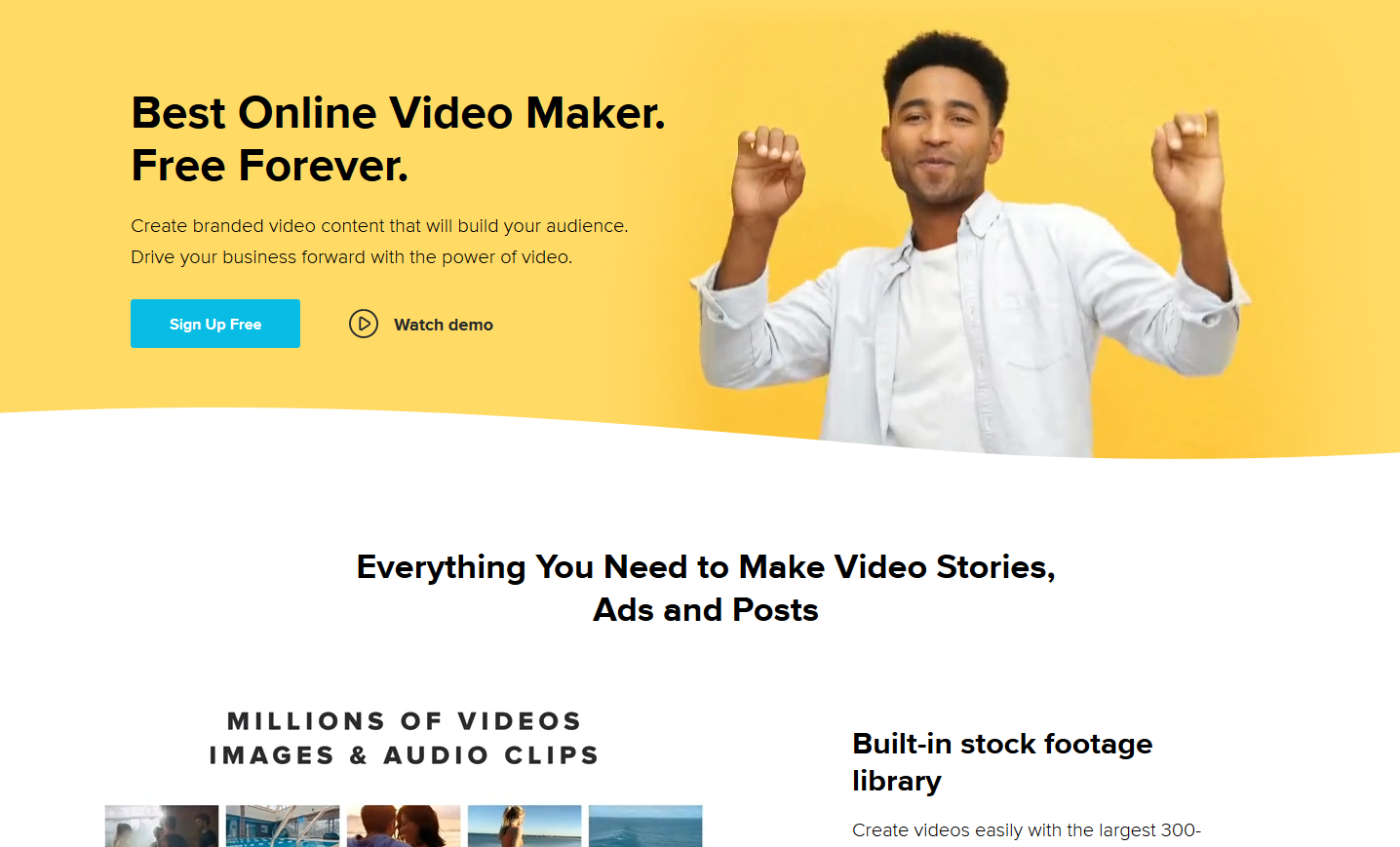
Wave video is the first on our list and that wasn’t a random pick, we love Wave. It makes video creation for social media too easy to be true. With Wave, you can create 100s of unique, beautiful videos from scratch without ever pressing the record button (so if you’re camera shy, welcome to paradise).
Wave has over 300 million royalty-free stock videos and photos in their library that you can use (of course, not all the assets are free, some are paid).
But what I love are the full video templates, you can just pick any of them, make a few edits, and in a couple of minutes, you have your video.
The best part of using Wave video is that they have a free version and also a paid version. The paid Version offer starts at $49 per month. What is so great about this is that you can use the free version to familiarize yourself with the software before you decide to get on a subscription plan.
Features
- Drag-and-drop editor for easy creation
- 300M+ stock video and photo assets
- Ready-made templates for social formats
- Text, audio, and branding customization
- Export in multiple aspect ratios
- Free & paid versions available
Animoto

Animoto pretty much pioneered short, drag-drop videos. I would even go as far as saying they were there before their time. Social media (Instagram, Snapchat, etc) made these styles of videos very popular but Animoto has been pushing the style since 2006 and that’s no small feat.
Like many others on this list, Animoto has readymade storyboard video templates and thousands of licensed soundtracks you can choose from and use in your videos.
Their best pricing is at $65 per month but you can also try it free for 14 days.
Features
- Drag-and-drop storyboard interface
- Thousands of licensed soundtracks
- Pre-designed video templates
- Photo and video clip support
- Custom text and branding options
- Easy social sharing
Magisto

One of the cool features Magisto has above others is their A. I powered a video editor that makes editing a breeze. They also have a huge cache of templates you can select from and edit and with Magisto, you can make more than just simple social media videos.
The downside of Magisto is that you don’t get their best deal until you switch to their highest plan.
The business plan costs $69 per month, they also have a free trial process.
Features
- AI-powered automated editing
- Wide template library
- Multi-style video creation
- Business-level editing tools
- Music and effects integration
- Free trial available
Lumen5
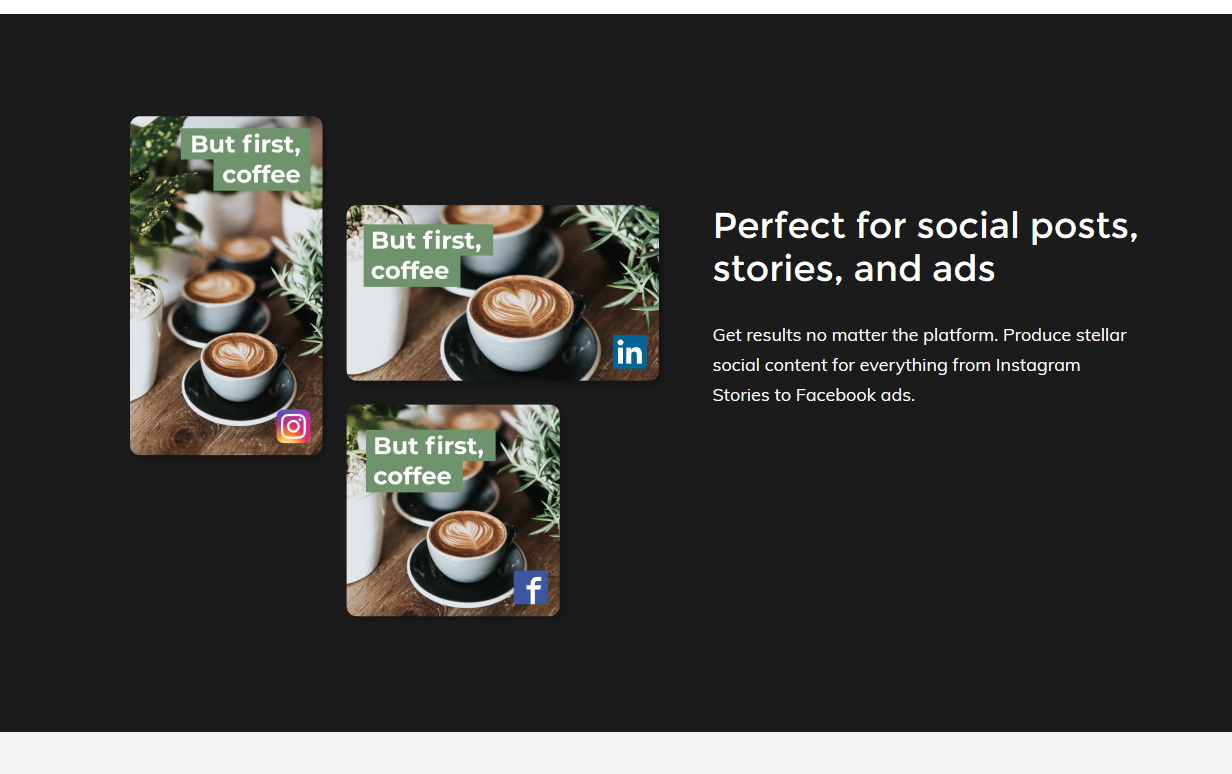
The uniqueness of Lumen5 is in its ability to convert text to video, just enter a link to the content you want to convert to video or copy and paste it into their editor then watch this software go to work.
They also have a readymade template and stock library with millions of assets.
Lumen5 is on the expensive side but it is so worth with all its great features and functionalities. The best offers are $79 per month and $199 per month the cool thing is they have a free forever plan which you can start using right away.
Features
- Convert text or links to video
- Large stock media library
- Pre-built templates
- Auto-captioning
- Customizable scenes
- Free and paid plans
Promo
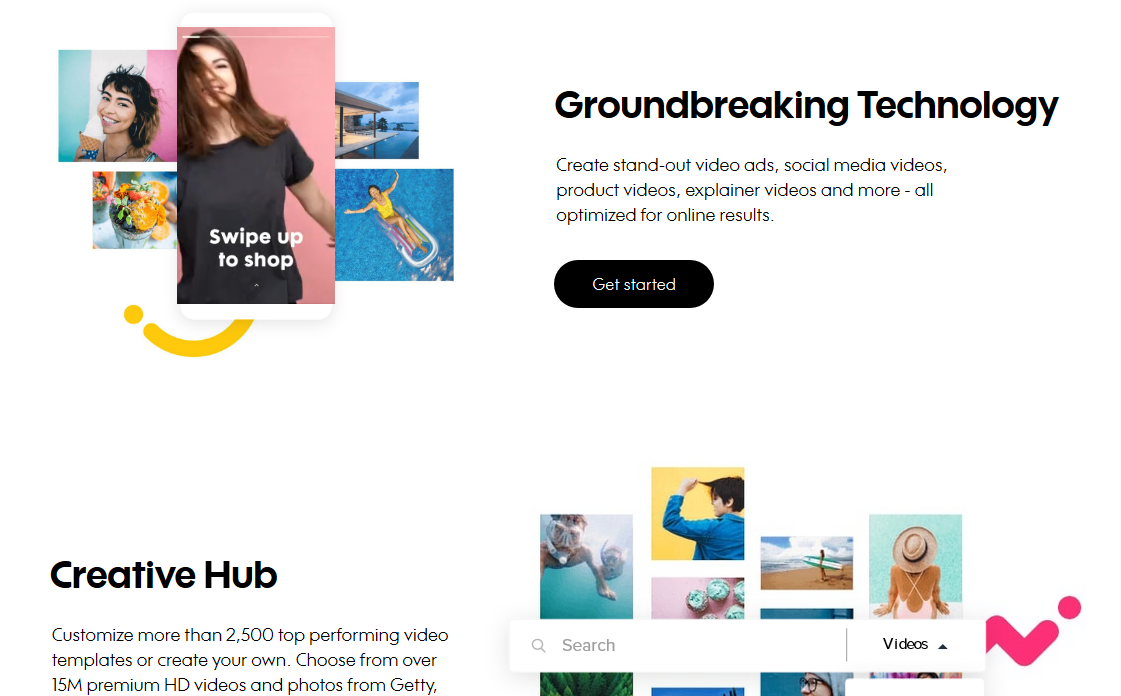
When it comes to social media videos maker, product video makers, e-commerce videos, and video ad creators, Promo is right there at the top.
Used by over 1 million video creators, loaded with more than 2,500 full video templates and over 15 million royalty-free video assets (stock videos and photos), you have everything you need in 1 place.
No matter what you want to create, Promo is ready to help you achieve your imagination.
You can try it free, their best plan is $99 per month.
Features
- Product & social video templates
- 15M+ royalty-free assets
- Video ads creation tools
- Music & text overlays
- Brand customization
- Try before paid plan
Rocketium
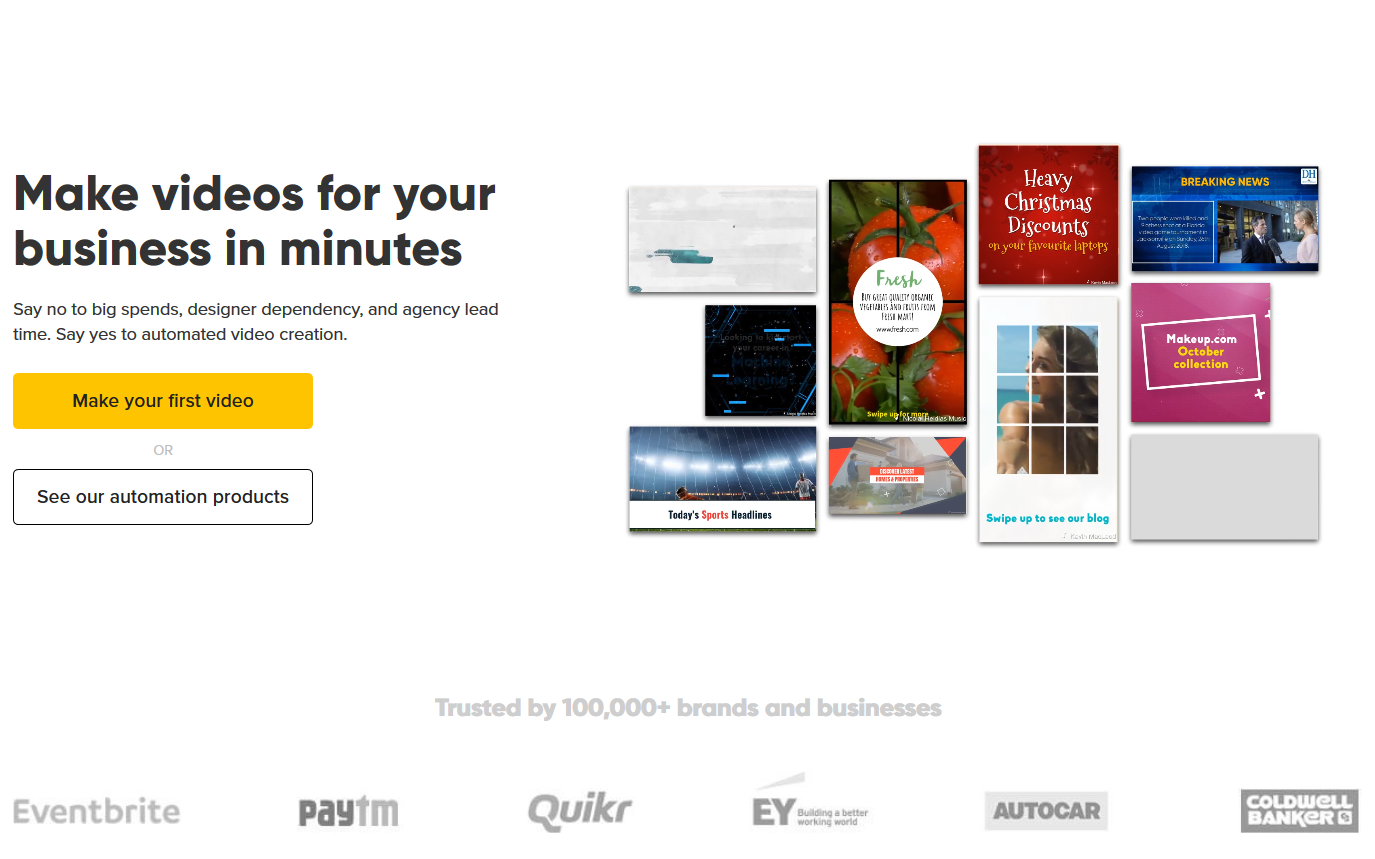
Rocketium is in the “Template, Upload, Publish” camp, with auto-sizing for different social media platforms and collaborative video creation. The Rocketium video making software has an easy to use interface, which is important when using any tool.
That ease of use matters even more when you’re juggling different upload requirements across Instagram, TikTok, YouTube, and other platforms. Each one has its own social media video types, specs and formats, so choosing tools that make it simple to export the right sizes and lengths will save you a lot of time in the long run.
They have different plans to choose from, you can try the free forever plan or get their best offer at $99 per month.
Features
- Auto-resize for social formats
- Collaborative editing
- Simple template based workflow
- Quick export options
- Text and media overlays
- Free forever plan available
Adobe Express (Formerly Adobe Spark)
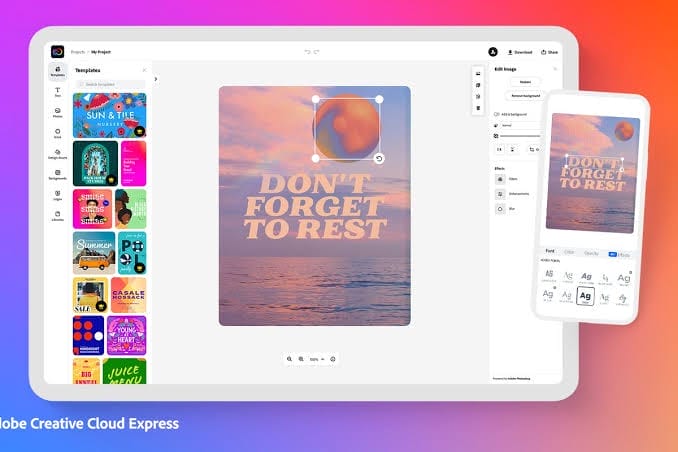
With Adobe Spark you choose from one of 8 templates based on the type of story you want to tell. You then add photos, video, text, or audio and you’re ready to publish.
Though Adobe Spark allows you to do more, you can create web pages and even social graphics with it.
It’s included inside Adobe Creative Cloud which is like $9.99 per month, you can also get started free.
Features
- Pre-designed story templates
- Photo & video support
- Text and branding tools
- Cross-platform editing
- Creative Cloud integration
- Free tier available
Biteable
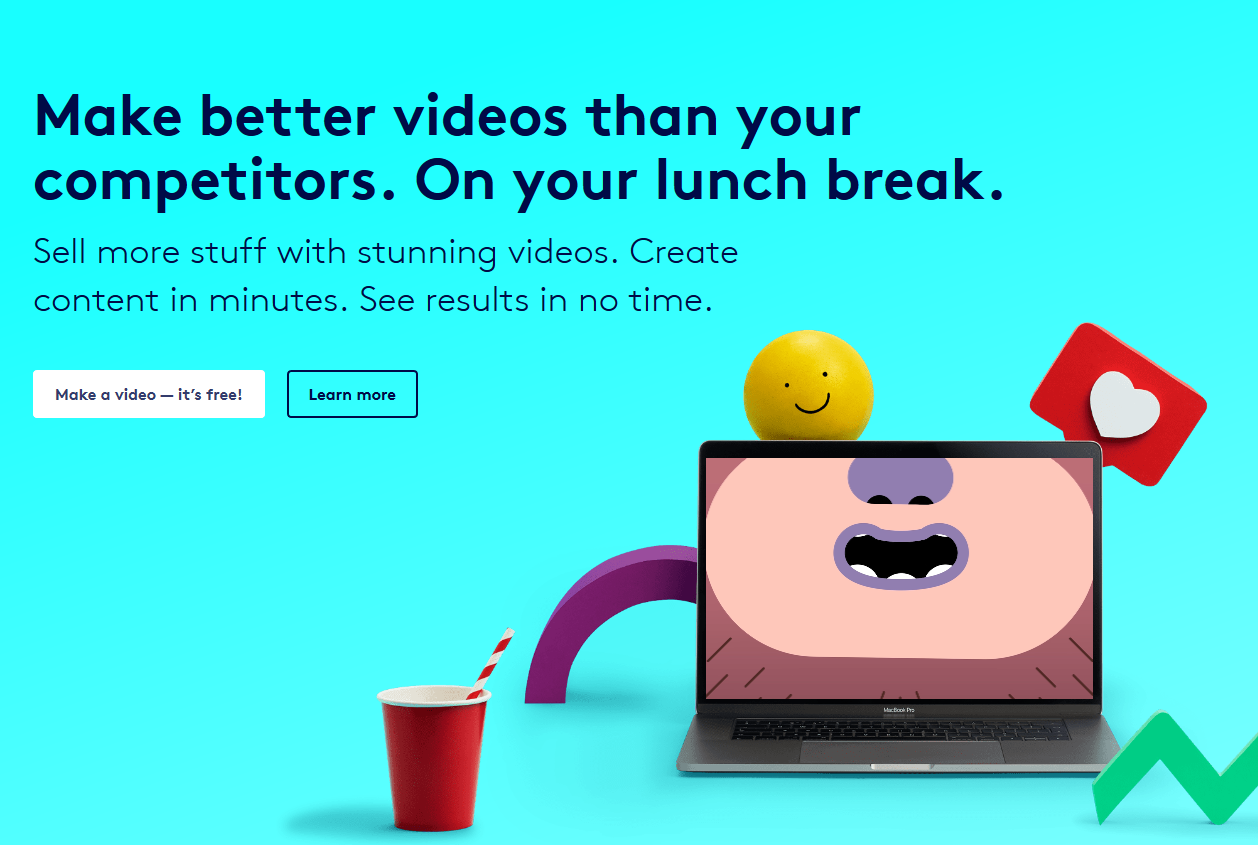
Biteable is one of the best social media video makers out there, with 100s of premium readymade video templates for you to edit and publish on the go. It’s also very easy to use.
You can try it free or upgrade to their best plan for $99 per month.
Features
- Hundreds of premium templates
- Easy animation tools
- Stock footage included
- Simple text & scene editing
- Drag-and-drop interface
- Free trial available
Quik by QuoPro

Quik is a free video-making software and one of the best in the market; I personally enjoy using Quik to edit quick social media videos. The software has various creative features, from thousands of free inbuilt music to more than a dozen transition formats and effects.
Features
- 100% free app
- In-built music library
- Multiple transition effects
- Quick automatic edits
- Easy trimming tools
- Designed for fast social videos
Headliner

Headliner is multipurpose editing software. The software started as a podcasting tool and soon became a multipurpose tool; the best thing about using the Headliner software to create social media videos is that it has a transcribing tool that ultimately gives you an edge over basic-looking videos.
Another great thing about the Headliner software is that it can be used to create GIFs, animations, and so much more. I told you it was multi-purpose software. The Headliner software’s free version offers 5 videos per month, while the paid version starts at $7.99 per month.
Features
- Built-in transcription tool
- Create GIFs & animations
- Podcast-to-video functions
- Text & waveform visuals
- Easy social export
- Free & paid tiers
InShot
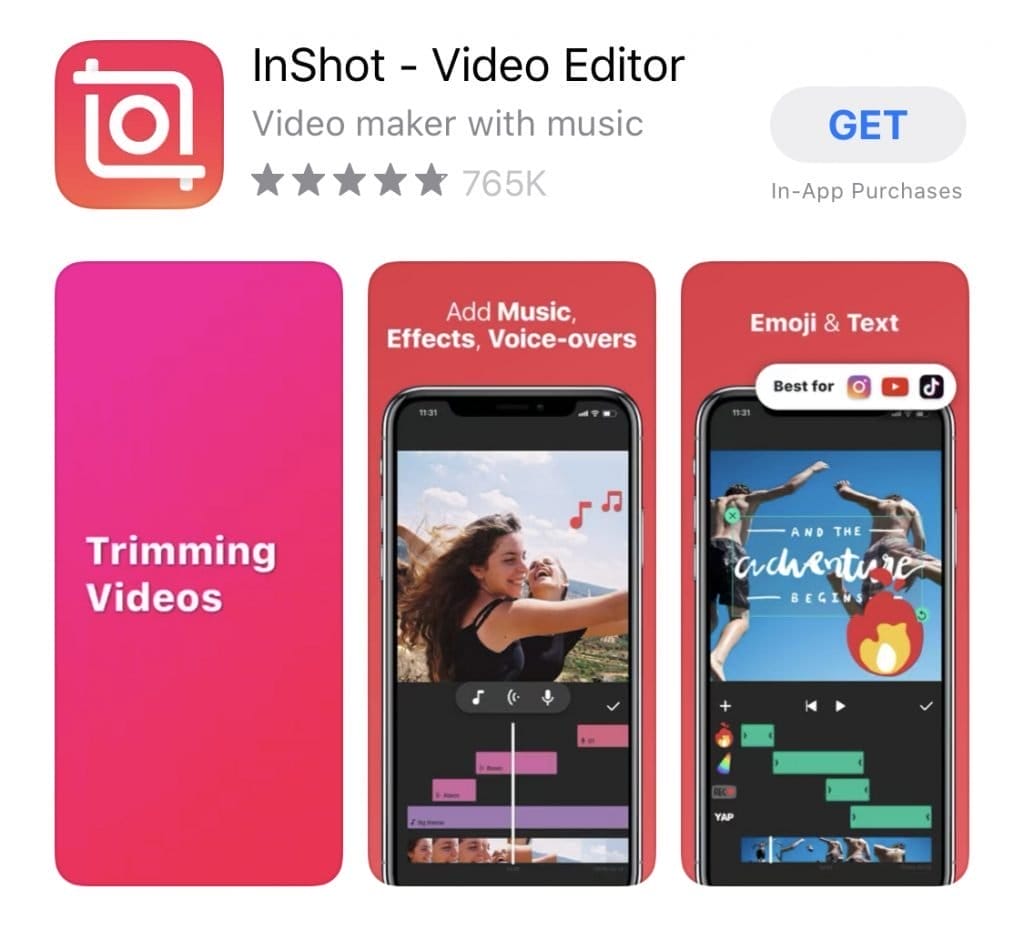
InShot was initially made for Instagram videos; back when Instagram was new and it was sensitive to high-resolution videos, InShot was everyone’s favorite video-making tool.
Nowadays, TikTok has joined the league of prominent social media platforms; you can easily use the InShot video-maker to create engaging videos for your audiences. InShot works for YouTube videos as well. The InShot paid version starts at $3.99 per month and $34.99 for a one-time payment.
Features
- Mobile-friendly editor
- Instagram-TikTok format support
- Music & sound effects
- Text and sticker tools
- Easy speed controls
- Affordable paid plans
VidLab
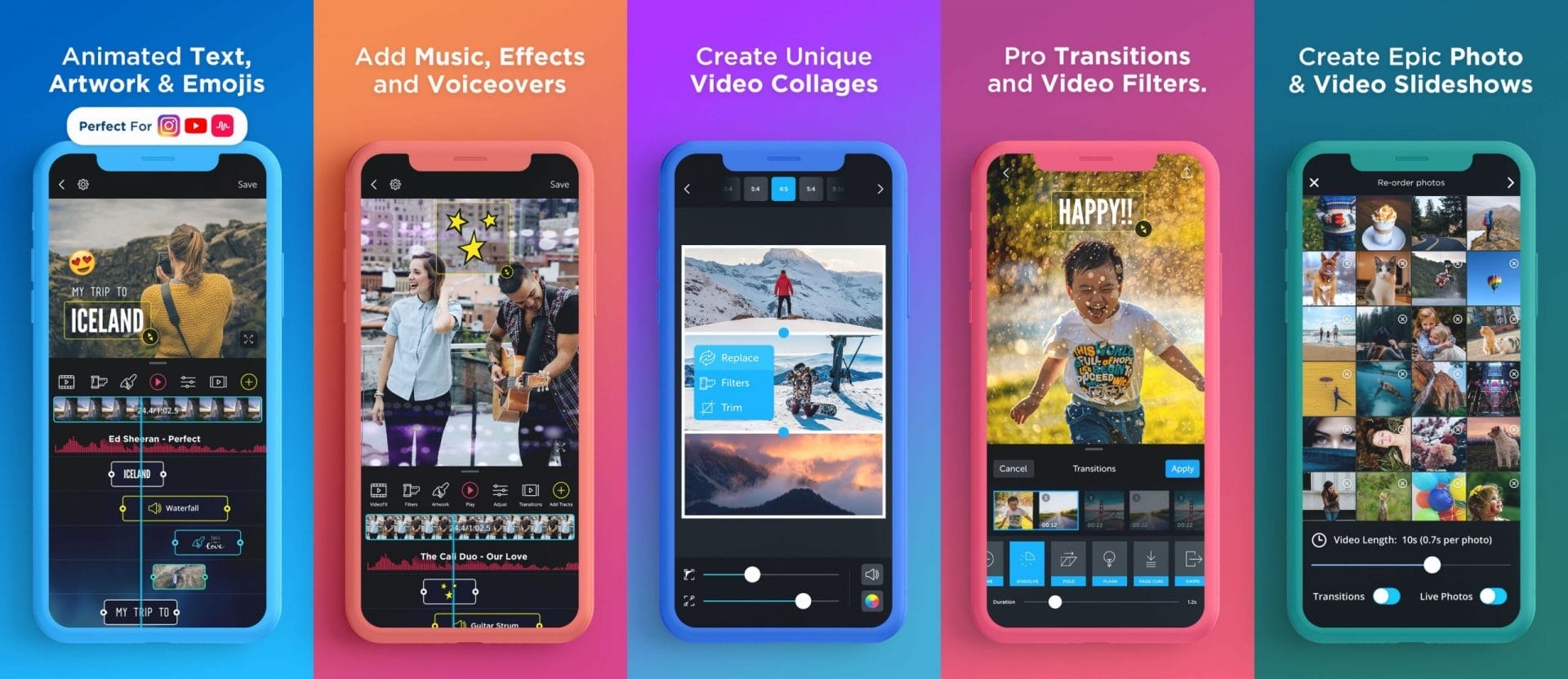
VidLab is great video-making software with many great benefits, although the App is only available on mobile phones and IOS devices for now. When using VidLap to create social media videos, you can add texts, images, music from your library, and more.
The VidLab software has free and paid plans; the paid plan pricing is $4.99 per month and $29,99 annually.
Features
- Mobile iOS editor
- Text and image integration
- Music support
- Overlay effects
- Simple timeline editing
- Free & paid versions
ClipChamp Create

The Clipchamp Create video-making software is an online video editing tool; you can create and edit videos and export them in whatever format you prefer. Although Clipchamp isn’t a completely free software, it, however, doesn’t add watermarks to your videos even if you are using the free version.
Clipchamp has four different plans, from basic, which is accessible, to Business Platinum which is priced at $39 per month, while the other two plans, Creator and Business, are $9 and $19 per month.
Features
- Browser-based editing
- No watermark on free plan
- Multi-format export
- Stock media support
- Text & title tools
- Tiered subscription options
Movavi Video Editor Clips
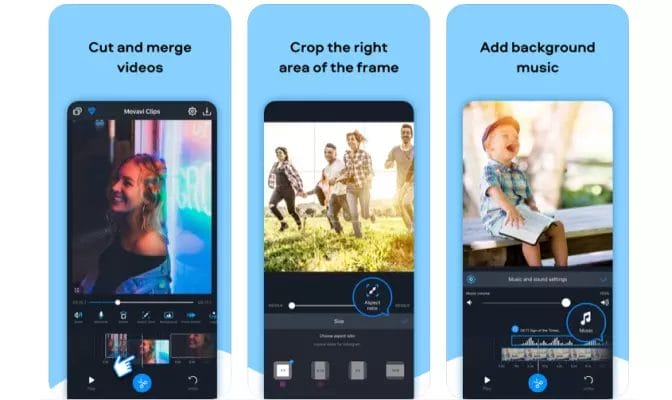
The Movavi Video Editor Clips is a versatile software, it is available on Andriod mobile devices and IOS devices as well, however the desktop version is only available on IOS devices for now. This software also has a free version and paid version, the paid version is affordable, starting $1.99 per month or a one-time payment at $74.95.
Features
- iOS & Android app
- Simple timeline editing
- Music & photo support
- Fast sharing to social
- Affordable pricing
- Fun filters & effects
Canva
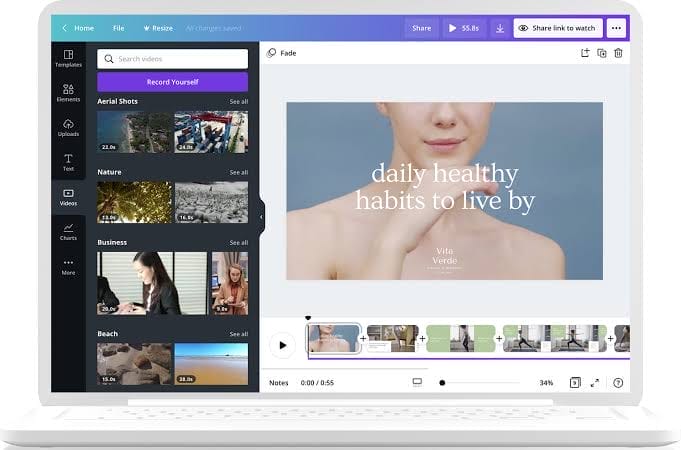
Last but not least on our curated list is Canva. Canva is such a versatile software that embodies a lot of functionality catering to every single one of your wimp, from helping you create logo designs for your company, to video editing and everything in between.
And the best part? it has a free version, while the premium version pricing starts at $10.
Features
- Vast video template library
- Drag-and-drop simplicity
- Animation & text tools
- Resize for platforms
- Brand kit features
- Free and Pro versions
FAQs
What should I look for in a social media video app?
When choosing an app, prioritize ease of use, ready-made templates, support for multiple aspect ratios (like vertical for Reels/TikTok), built-in stock media, and tools for adding music, text, and branding. The right combination helps you create professional results without a steep learning curve.
Can I create videos without filming anything myself?
Yes!
Many tools like Wave Video, Lumen5, and Promo offer stock footage and templates, letting you build videos entirely from pre-existing media and text — no original footage required.
Are free versions good enough for social editing?
For many creators, free plans from apps such as Quik, Headliner, Canva, and Clipchamp are powerful enough to produce polished social videos. However, premium plans unlock larger media libraries, higher export quality, and advanced features, so consider upgrading as your needs grow.
Do these tools work on mobile and desktop?
Most support mobile devices (like InShot and Quik), while others are browser-based or desktop friendly (like Clipchamp and Adobe Express). Choose based on your preferred workflow and whether you edit on the go or at a workstation
Final Thoughts
Creating eye-catching social media videos no longer requires advanced skills or expensive software.
The 15 tools listed above range from beginner-friendly mobile apps to powerful online editors, each offering unique features like templates, automated editing, multi‐platform resizing, and media libraries.
Whether you want to make quick Reels, polished ads, or compelling stories, these apps empower creators to produce high-quality content faster — helping you stay consistent and competitive in today’s fast-moving social landscape.