
Looking for Sony Vegas Pro alternatives? Discover the best free video editors, featuring similar features and functionality. Learn which video editor is right for you.
Sony Vegas Pro is not the only magnificent video editing tool out there, there are tons of other editing software with similar functions too. As such, we’ll be considering Sony Vegas Pro alternatives software in this blog post today.
In a bid to choose the most relevant Sony Vegas Pro alternatives to work with, there are certain factors needed to be considered, among them are the project type and user interface.
That being said, there are over 50 Vegas Pro alternatives for various platforms like Windows, Mac, Linux, iPad, and iPhone, including DaVinci Resolve, Kdenlive, Adobe Premiere Pro, and a host of others.
But here, we’ll explore my top 10 Sony Vegas Pro alternatives. Let’s get started.
My Top 10 Sony Vegas Alternatives For 2025
Handpicked For You:
- Best 6 Video Editing Software With No Watermark
- 15 Best Tools For Making Social Media Videos
- Top 20 Explainer Video Software
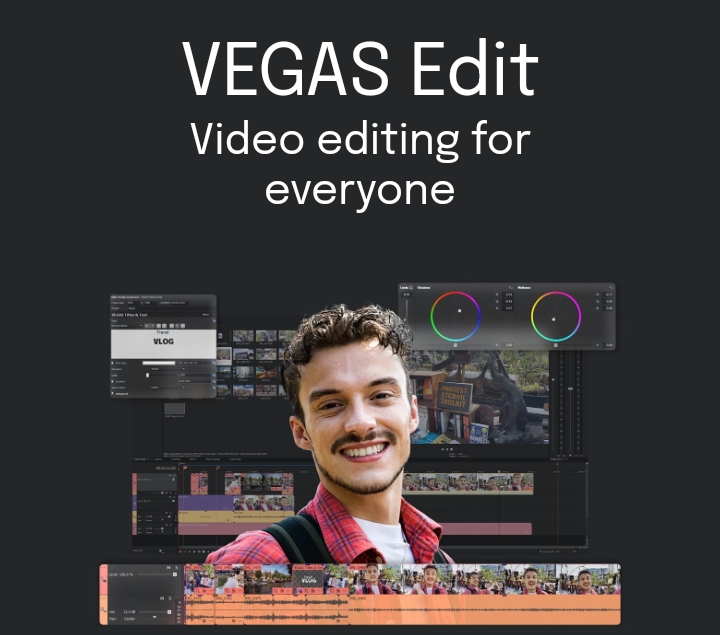
Vegas Pro is a popular Windows video editing software with brilliant features like audio editing, transition, titles, etc.
But owing to its high price and lack of a Mac OS version, other alternatives similar to its functions can be used on Windows and Mac operating systems.
These Vegas Pro alternatives would be needed because Sony Vegas sometimes crashes and misbehave as such, the need for a similar tool to step up will arises.
Without further ado, some Sony Vegas Pro video editing tool alternatives include:
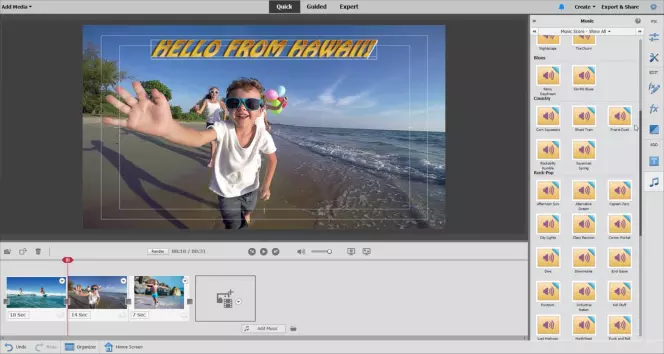
Adobe Premiere Elements
This is an editing tool like Sony Vegas; it is a product of Adobe and has a better performance rate, high editing quality, and consistency compared to every other tool developed by Adobe.
It is a good Sony Vegas alternative for Windows and its Mac version is working wonderfully. Adobe video editor is good for home users.
The Adobe Premiere Pro for professionals is believed to be a better Windows option and alternative to Sony Vegas due to differences in capturing, DVD menu, multiple sequence editing, and surround sound mixing.
Filmora Pro
This is another professional video editing tool that can be used to edit professional videos easily without a session.
Filmora Pro is sony vegas alternative as it supports auto audio sync on Windows and Mac, which helps save time in video editing.
With Filmora Pro, you can use GPU acceleration and proxy to make video editing smooth.
Wondershare Filmora
All the necessary video editing tools needed are provided in wondershare filmora, which enables the user to create Hollywood-like home movies with transitions, effects from any video, audio, and photos, and also titles.
Filmora also has advanced features like voice change, picture-in-picture, timeline editing, video or audio recording, and fast/slow motion that are simple or easy to use.
Another important feature is that it has endless sharing possibilities as you could share videos instantly with friends and family on all social platforms like YouTube, Facebook, etc.
You could also burn DVDs for better preservation and sharing or save videos on portable devices to be played like Samsung Galaxy Note, iPhone, iPad, Kindle Fire, etc.
ZS4 Video Editor
This is a sony vegas free alternative for Windows, Mac, and Linux. It is just like the free Zwei-Stein Video Editor.
It has simple video editing tools and 150 video effects but a not-so-friendly user interface. ZS4 Video Editor is not as popular or common as Wondershare Video Editor and Adobe Premiere, but being free is an essential fact to consider.
DebugMode Wax
This is an open-source video editing tool for Windows with the necessary features to meet the needs of amateurs with experience and beginners.
It helps you create and modify video content effectively; some of its fire powers are apparent in paid alternatives.
It also has brilliant 2D and 3D special effects features, providing users with free effects to customize and manipulate video files.
DebugMode Wax can also function as a plug-in, so more features and functionalities can be gotten by connecting it to other feature-rich video editors.
Movavi Video Editor Plus
This is a large but economical video editor which provides a lot of features found in the Vegas Pro version like 4k video support, powerful audio editing capabilities, filters, and animations at a fraction of the cost.
It has a very intuitive and clean interface that makes beginners grasp easily and have fun editing videos. It also is more accessible and functional as it provides support in 14 languages, unlike Sony Vegas Pro.
Microsoft Photos
This is a simple alternative to Sony Vegas Pro and is a free image, video editor, and graphics editor tool found on Windows 8, replacing Windows Photo Viewer.
Microsoft photos help you to edit and view photos and videos easily, trim and rotate videos, make movies, create albums and add slow motion, 3D effects, and animated text to videos.
Ms. Photo is a good alternative to Sony Vegas Pro as it does not cost anything and it is lightweight. Still, it has its disadvantages too as it lacks a timeline and advanced features like green screen, rotation, reverse, video stabilization, etc.
iMovie
This is one of the best Sony Vegas alternatives as it has multiple drag and drop functions. It supports many video formats as it’s a software application for macOS and IOS devices.
It can browse your clips and make Hollywood-style trailers and 4k resolution movies.
It also helps crop, and rotate video clips, stabilizes shaky videos, changes video speed, and provides multiple style options to implement animated titles with credits to your movies.
A brilliant feature is that it saves your work in Apple’s cloud, making it possible to cut videos from your iPhone and send them to your Mac for more processing.
MiniTool MovieMaker
Another free and reliable video editor for Windows users, with good features like an intuitive user interface and with multiple formats.
It provides video editing tools to create Hollywood-style home movies from photos, videos, and music. Its advanced features include reverse, speed control, fade in or out, and timeline editing.
You can change the video format after all the edits are complete to make it playable on more devices and media players.
Clipchamp
Clipchamp is an online Sony Vegas alternative. It has an interface that is easy and simple to use and so very helpful for beginners.
This video editing software provides fully customizable video templates and a huge stock of music.
It also offers tools to help compress videos, change the format, and record screens and webcam. But this free version allows you to export videos in MP4 format at 480p resolution.
Lightworks
This is a non-linear editing system for mastering digital videos which works on Windows, Mac, and Linux.
It is one of the highly patronize Sony Vegas Pro alternatives whose program is simple with an intuitive user interface.
It also supports quick timeline editing and trimming. The free version has nearly all the features with the restriction that you can only export a web-compatible file at 1280×720.
So to export videos to other formats, you will have to upgrade to its Pro version.
Now, explore more Sony Vegas Pro alternatives in details and they stack up against Sony Vegas Pro.
Adobe Premiere vs. Sony Vegas Pro
We will be comparing and contrasting some Sony Vegas Pro Alternatives and the first option to examine is Adobe Premiere.
By and large, it is important to state that Sony Vegas Pro and Adobe Premiere have their differences which include:
- Sony Vegas Pro is a user-friendly and accessible tool compared to Adobe Premiere, while Adobe has a more professional workflow than Vegas Pro.
- For better performance, adobe premiere has more supporting tools in the Adobe creative cloud, which could be used to achieve that, but Vegas pro does not have such addons software, and it is all in one package.
- Adobe Premiere has a more professional impact than Sony Vegas Pro as many famous movies were created using Adobe Premiere and none with Sony Vegas Pro.
- As for the platforms they support, Vegas Pro was designed to perform only on the Windows operating system, while Adobe Premiere performs on both Windows and Mac operating systems.
- Vegas Pro can be purchased at $199 and is available on a one-time settlement, while a monthly subscription of $19 is available for Adobe.
- As for specifications, there are not many differences, but Adobe has more advanced audio and effect modules. In contrast, sony vegas pro has an easier workflow and will be a beginner’s better option.
- Sony Vegas Pro has 21 versions released from Vegas beta in 1999 to Vegas Pro 16 in 2018, while Adobe Premiere has 28 releases from Adobe premiere 1.0 in 1991 to premiere pro CC 19 in 2018.
- Vegas Pro functions with the Open Effects Association Platform and NewBlueFX, while Adobe Premiere Pro integrates with Microsoft teams and other Adobe products.
Premiere Pro vs. Sony Vegas Pro
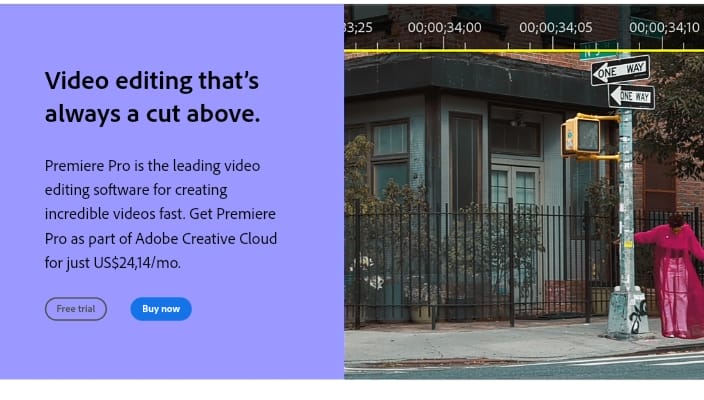
All “Pro” software or programs have more features, many pros, and some cons. So to choose an alternative between Sony Vegas Pro and Premiere Pro, the features, pros, and cons should be reviewed.
- For pricing, Vegas Pro could be purchased one time for $399 and also available as Vegas Pro 365 for a subscription fee of $34.99 per month, and this is charged annually or $19.99 on a month-to-month basis. At the same time, premiere pro is priced only monthly at $31.49 for a monthly subscription and $20.99 with an annual commitment. Vegas Pro gives you both options, but Premiere Pro gives just one subscription option.
- Vegas Pro is designed to be intuitive to work the way the user wants it to and not to make the user perform the way it wants it to. It provides different ways to accomplish most tasks.
At the same time, Premiere Pro was initially designed to work how video editors worked on analog equipment. Still, with the switch to digital equipment, its built-in functions affect efficient workflow and learning curve. - Sony Vegas Pro offers automatic GPU configuration and GPU driver update utility for even easier GPU acceleration support. Still, Premiere Pro uses hardware acceleration for effects rendering, and this hardware decoding is available only with an Intel CPU with Intel Quick Sync Support.
- For Storyboards, Vegas Pro has very easy and quick storyboards. It allows a playback preview of a sequence from the media pool without going to the timeline. At the same time, Premiere Pro Storyboards do not let users preview the series from the media pool and also do not update the timeline automatically. Still, you’ll have to manually drag every storyboard sequence to the timeline.
- For Text to Speech translation, Vegas Pro has features that can transform written texts into memorable speech, with accents, personalities, and proper moods. Also, with Vegas Pro, you can choose between dozens of languages, accents, voices, and narration styles to create a seamless spoken presentation. This feature also translates text into different languages. But Premiere Pro doesn’t offer Text to Speech Translation.
- Premiere Pro uses Display Color Management, a non-ACES environment. In contrast, Vegas Pro uses the ACES 1.2 environment, which is the Academy Color Encoding Systems standard developed by MPAA, and designed to be the industry standard.
- For Audio Buses, Vegas Pro provides up to 32 auxiliary audio buses, input buses, and effects buses. It also assigns tracks in any combination and sets buses inside other buses, but Premiere Pro allows users to set routes to sub-mixes and does not offer actual buses.
Filmora vs. Sony Vegas Pro
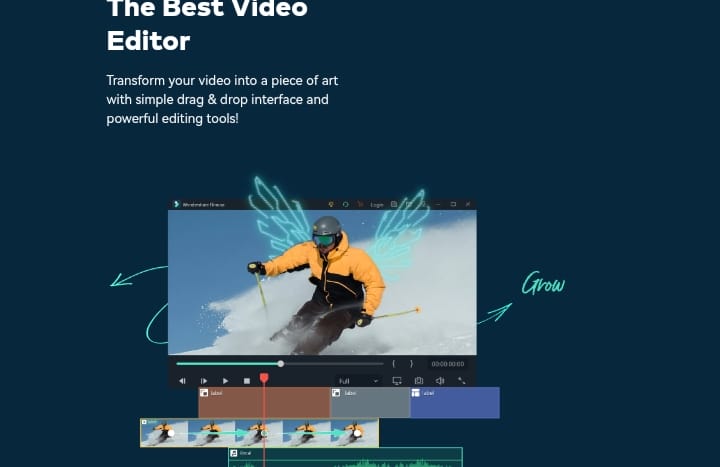
From studies, reviewers prefer the quality of product support, features, roadmaps, and updates. Filmora, as opposed to Sony Vegas, meets the needs of their business more than Vegas Pro does.
Sony Vegas Pro can be used to make videos for video editing, while Filmora can be used for making videos, editing videos, and also marketing videos. Some of their differences are:
- Filmora is more likely to be recommended and rates higher for support ratings than Vegas Pro, but both are likely to be renewed.
- Filmora has a basic titler with a suite of professional and customizable title presets. In contrast, Vegas Pro has a professional title generator with a library of slick and professional presets that can be customized to fit the project’s needs.
Movavi vs. Sony Vegas Pro
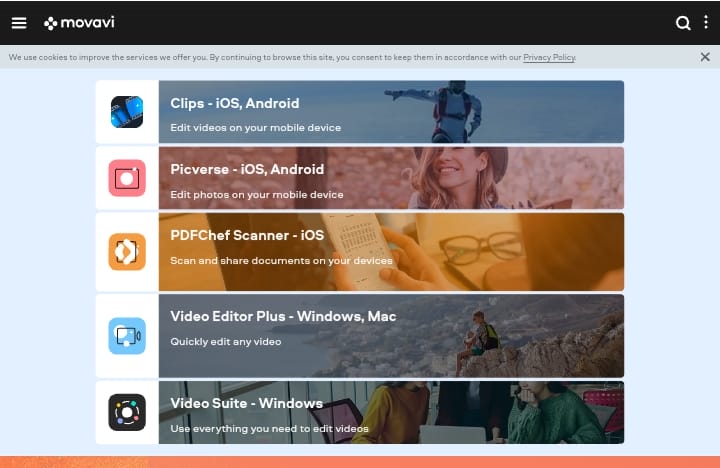
Movavi Video Editor Plus is a powerful yet affordable video editor with many of the same capabilities as full-version Vegas Pro at a fraction of the price.
Movavi’s editor, for example, has extensive audio editing features, 4K video capability, and easy-to-use transitions, filters, and animations.
Movavi’s video editor is also noted for its simple and intuitive interface, which is easy to understand for novices and enjoyable for video-editing veterans.
It supports 14 languages, too, making it more user-friendly than Sony Vegas.
After Effects vs. Sony Vegas Pro
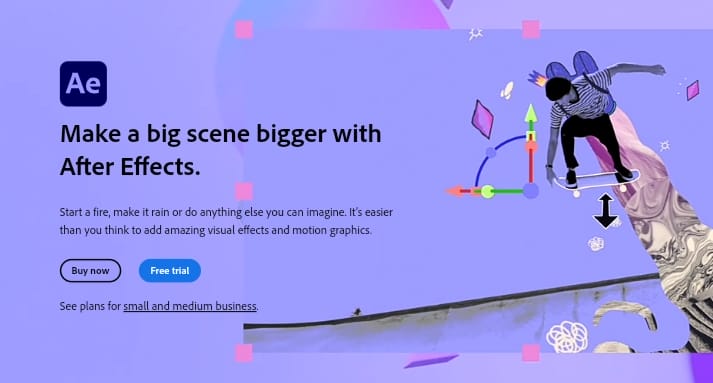
These video editing software can be compared, and they both have their features, so depending on your project needs, any of them could be an alternative. Some differences are:
- Vegas has better rendering tools compare to After Effects.
- The Professional Motion Graphics of After Effects is better than Sony Vegas’s. So if you love motion effects, graphics, and other composite filters, then After Effects is the best option.
- Sony Vegas is fabulous for editing videos, but it isn’t easy to edit videos with After Effects; all it does is add effects to already edited videos, so it needs to work with another software to edit videos, unlike Sony Vegas.
- Compared to the cost of After Effects, Sony Vegas is more expensive software, and so After Effects is more available to beginners who are looking to check out the right software.
- After effects run on Windows, Mac, iPhone, iPad, and Android, but Sony Vegas runs on only Windows and Mac.
- For learning, it takes more time to learn Sony Vegas than it takes to learn After Effects which could be known in a day.
- The languages for Sony Vegas include English, French, Spanish, and Dutch, but the languages for After Effects are English, Chinese, German, Italian, Japanese, Russian, Indian, Dutch, Polish, Turkish, and Swedish.
Sony Vegas vs. Davinci Resolve
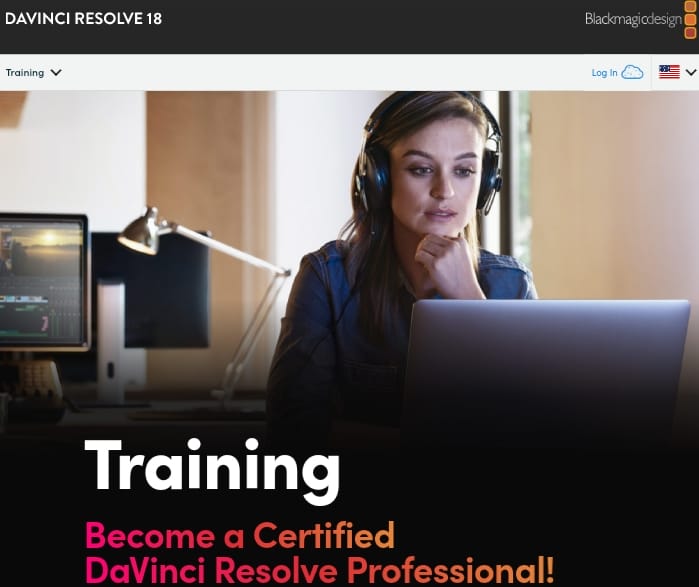
To know which of these mechanisms are suitable for your project, we’ll list their differences. These differences are:
- Sony Vegas can be purchased one-off at $399 and is also available at Vegas Pro 365 monthly at a subscription fee of $34.99 per month, and this is charged annually or $19.99 on a month-to-month basis. But DaVinci Resolve Studio has a flat fee of $295.
- DaVinci Resolve Studio functions like traditional editors and uses a source window or clip trimmer to pre-trim clips and send them to the timeline. It just has one standard way of getting tasks done, while Vegas Pro is designed to work more like the way the user wants it to work, which is intuitive as it gives you different ways to perform tasks.
- Vegas Pro allows you to arrange your interface however you want or choose, so you can set up all your tools wherever you want them to be and keep your reviews wherever you want them to be. This doesn’t depend on the number of monitors in your setup.
But for DaVinci Resolve Studio, it just gives the user the option to spread the interface to a second monitor, and also, you can not place your tools, reviews, or scoops where you like them to be. It has a set interface. - Vegas Pro offers GPU configuration automatically and a GPU driver update utility that provides effects for smoother playback. But Davinci Resolve Studio uses hardware acceleration and decoding with AMD OpenCL and Nvidia CUDA GPUs.
- For Storyboards, Vegas Pro is quick and easy to use and allows a playback preview of a sequence from the media pool without the user having to go to his timeline. It also updates the timeline every time the storyboard is changed and updates the storyboard every time the timeline is altered. But DaVinci Resolve Studio does not offer storyboards.
Vegas Movie Studio vs. Sony Vegas Pro
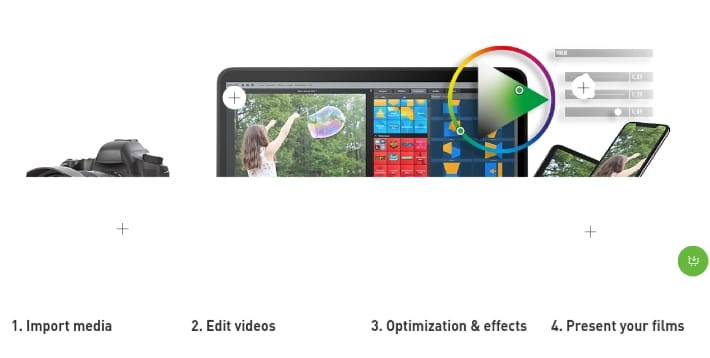
The significant difference between Vegas Pro and Movie Studio is simply that the Vegas Movie Studio is a reduced version of Vegas Pro.
Sony Vegas Pro features multi-track audio and video editing on unlimited tracks in real-time, while Vegas Movie Studio has limited ways to be edited. The features of both are almost the same.
Video Pro vs. Sony Vegas Pro
Video Pro is a professional graded video editor originated by Magix, while Magix purchased Vegas Pro from Sony. Both of them are good software programs with different strengths.
Vegas Pro has more audio tools and works well with audio within the program.
Video Pro has timelines that can be used for either audio or video, but they have overlays placed below the primary video timeline instead of above it. Vegas Pro is in a way more expensive than Video Pro.
Final Cut Pro vs. Sony Vegas Pro
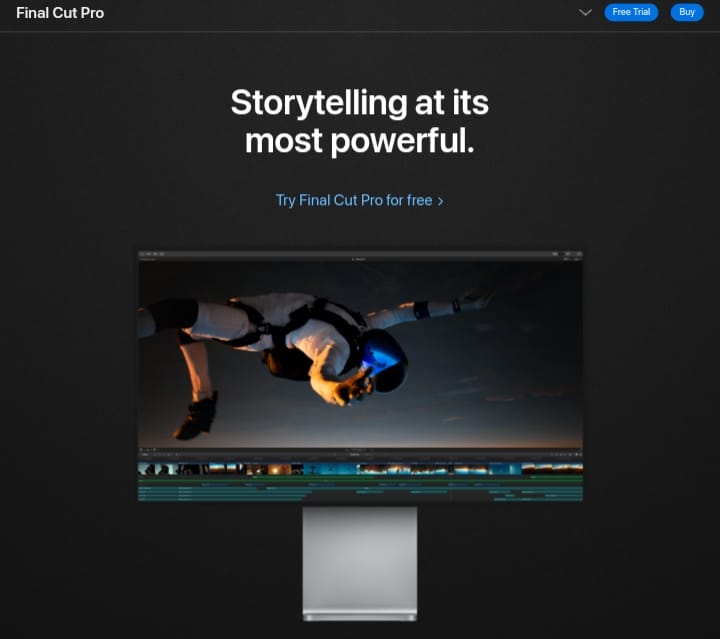
Both are great professional video editing software, so to choose an alternative to fit your project requirements, we’ll need to go through all its features and their differences. Some of these differences are:
- The overall rating for Final Cut Pro is 9.78/10 while Sony Vegas Pro is 8.53/10, and they are priced at $300 and $600, respectively.
- Final Cut Pro Supports the Mac OS X Platform, while Sony Vegas Pro supports Windows 7 and Windows Vista Platforms.
- Sony Vegas Pro has its software available for desktop, while Final Cut Pro is available for mobile and desktop.
- Final Cut Pro has the autosave feature while Sony Vegas Pro does not but has the subtitle features, which Final Cut Pro does not have.
Handpicked For You:
- Best 6 Video Editing Software With No Watermark
- 15 Best Tools For Making Social Media Videos
- Top 20 Explainer Video Software
FAQs
Are there free alternatives to Sony Vegas Pro?
Yes
Several video editors are free or have free versions that can serve as alternatives, such as ZS4 Video Editor (Windows/Mac/Linux), Clipchamp (basic free online editor), Lightworks (free tier), and others suitable for beginner to intermediate editing.
Which alternatives work on both Windows and Mac?
Some editors that support both Windows and macOS include Filmora Pro, Movavi Video Editor Plus, Lightworks, and Adobe Premiere Elements/Pro. This makes them versatile choices if you switch between operating systems
Is Adobe Premiere Pro a better choice than Sony Vegas Pro?
Adobe Premiere Pro is a professional-level video editor widely used in the industry. It offers deeper integration with other Adobe tools, advanced editing features, and a large support ecosystem — but it generally requires a subscription and has a steeper learning curve than Vegas Pro
Final Thoughts On Best, Free Sony Vegas Alternatives
No doubt, Sony Vegas is the leading tool in the video editing industry. But for any reason, if you are looking for Sony Vegs Pro alternatives software, there are tons of them out there depending on the features you seek.
Lastly, effectiveness and comfort should be the goal in choosing an alternative; make sure to choose one that would make your editing journey more productive and effective.
Need more insightful articles like this? Kindly follow Adilo on Twitter.