

Apparently, there are several free Whiteboard animation software in the whiteboard and animated video industry, to be discussed in this post are however the best among the equals.
Whiteboard animated videos are just the best; many marketers have confirmed it helped increase their conversion by up to 470%, and the reason why it performs so well can be nailed down to its “engagement effect.”
Whiteboard animations are the type of videos that are proven to hold the attention of viewers by up to 74% on average, rarely does any other type of video have such immense engagement power. Any video can grab attention, but can it hold until the end?
Maybe but not as those beautiful doodle whiteboard videos do, this is why whiteboard videos are best for explainer, educational, and teaching videos; it connects to your ends, and every character tells a story.
Yes, these simple doodles and character-based videos are incredibly powerful.
Free and Best Whiteboard Animation Software

The best news is that you don’t even need to hire agencies that will charge you thousands to make your videos; we have some of the best whiteboard animation software free to use listed in this post for you.
#1: Animatron
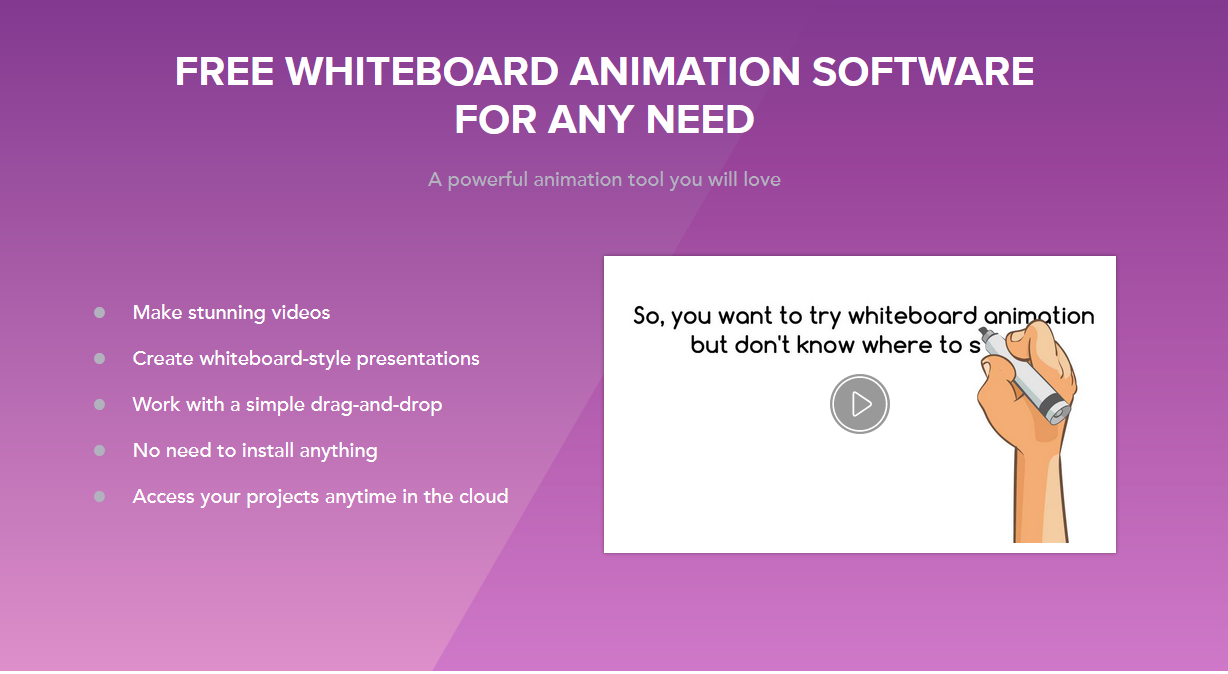
You can use a powerful free whiteboard animation software to create whiteboard-style presentations in your web browser; you don’t have to download anything.
Animatron’s free forever pricing is excellent; use it and get a handle on the platform before picking a paid plan.
Features
- Drag-and-drop animation builder — easy to place and animate assets.
- HTML5-based editor — works in browsers without installation.
- Pre-built characters and props for storytelling.
- Customizable text and typography tools.
- Timeline control for precise animation sequencing.
- Export to standard video formats (MP4, GIF).
#2: Sketch Maker Pro
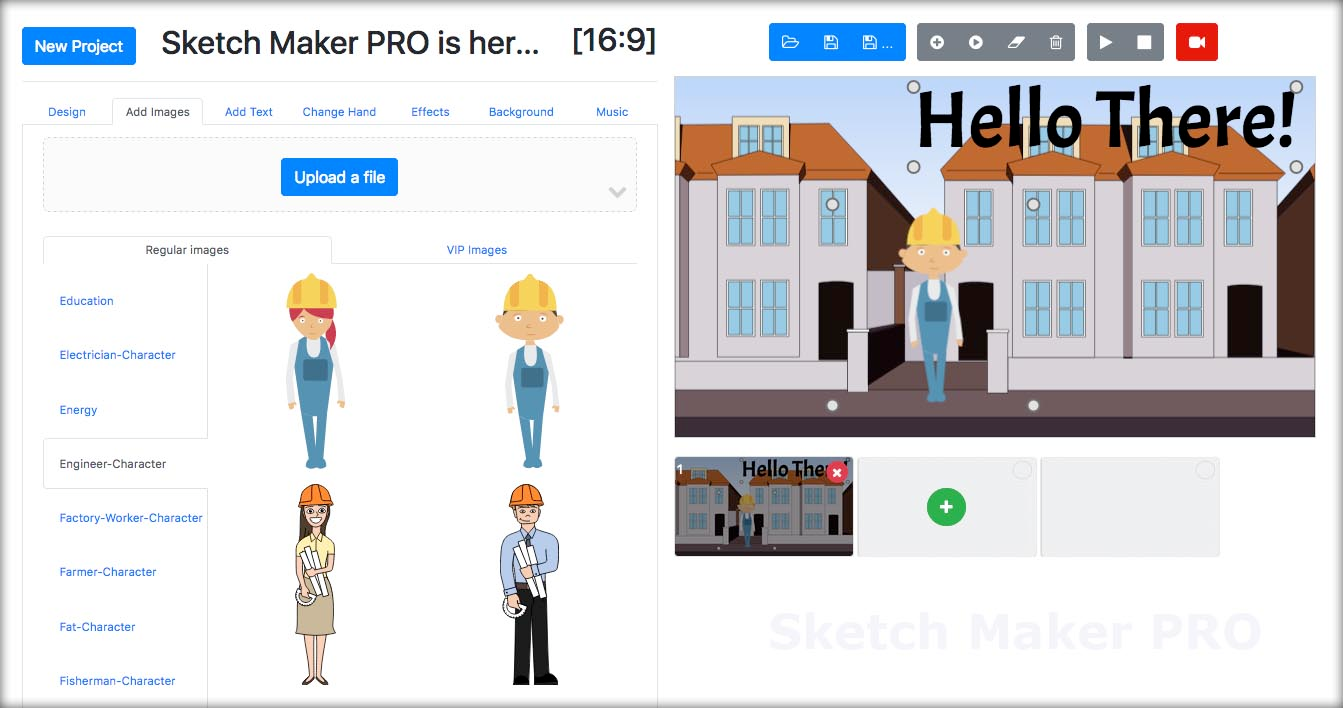
The significant advantage for sketch maker pro whiteboard animation software is the speech-to-text that allows you to create powerful whiteboard explainer videos without needing a voiceover.
Sketch maker pro online whiteboard video maker is straightforward to use, runs in the cloud, and creates beautiful explainer videos in minutes. So, forget about complicated whiteboard software if you’re a total newbie.
Features
- Speech-to-text narration — turns spoken words into captions/voice tracks.
- Cloud-based creation — work entirely in the browser.
- Pre-set sketch templates for quick starts.
- Auto-draw animation of elements.
- Import custom images and audio.
- Export videos for sharing on social platforms.
#3: Explee
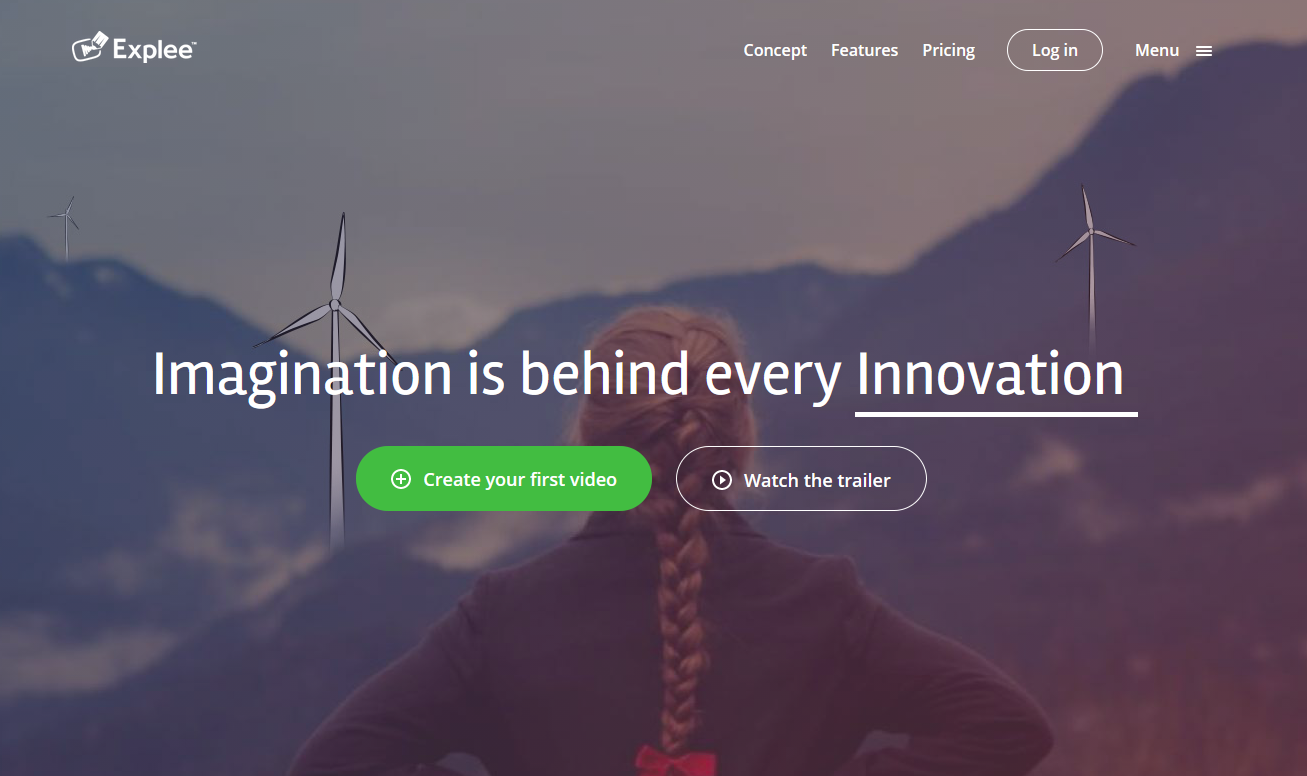
Professional whiteboard animation software is used by some of the biggest companies, including IBM, Google, and Salesforce, and surprisingly, its regular pricing is very competitive.
They have a 14-day free trial, but the real benefit of using the Explee video animation app is that it gives the level of creative freedom you can’t get from any other whiteboard tool in its class.
Features
- Professional-level animation freedom with customizable timing.
- Free trial for trying features before subscribing.
- Vector-based animation elements.
- Library of ready assets and scenes.
- Supports complex explainer videos.
- Custom text and visual transitions.
#4: Animiz
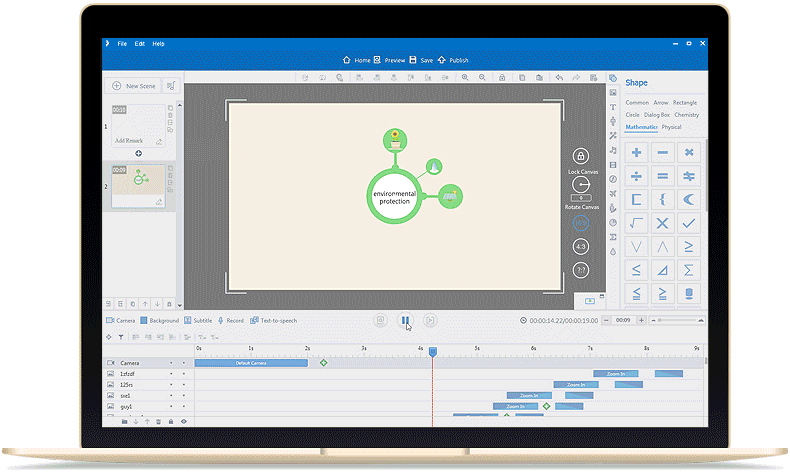
A simple, easy-to-use, and free whiteboard animation software.
Features
- Drag-and-drop creation workflow.
- Library of templates and presentation cases.
- Professional quality hand-drawn animations.
- Adjustable label effects (blur, spotlight, etc.).
- Image and text entrance animations.
- Export to standard video formats.
#5: Explaindio
The best whiteboard explainer video animation software for Windows PC. You can create doodle animation, 2D, 3D, and standard whiteboard animation videos with this software; the software allows you to develop full-motion videos and slide-based PowerPoint explainer videos
Features
- Supports whiteboard animation styles.
- 2D and 3D animation capabilities.
- Full-motion video animation.
- Slide-based and timeline editing.
- Extensive asset library.
- Multiple export formats (AVI, MP4, MOV).
#6: Vyond

One of the leading online whiteboard animation apps. Create professional animated videos for industries like marketing, training, and eLearning
Features
- Professional character animation and motion tools.
- Extensive asset and background libraries.
- Timeline sequencing for animation control.
- Voiceover and lip-sync support.
- Collaborate and share project workflows.
- AI-assisted video creation tools (e.g., Vyond Go).
#7: Powtoon
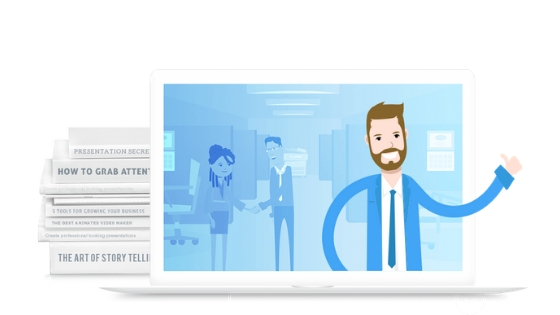
Another powerful and incredible free whiteboard animation platform that does not require any learning curve to start using it.
Related: Everything you need to know about whiteboard animation videos.
If you’re looking for free animation software without a watermark, it can be quite hard, and mostly if you get it, it won’t be any good.
Many of the animation software we shared above have a free forever plan for you to enjoy but to get rid of their watermark, you’ll need to upgrade.
Features
- Intuitive drag-and-drop editor.
- Large library of characters, props, and backgrounds.
- Voiceover and text-to-speech support.
- Customizable timeline with transitions.
- Multiple output formats (MP4, GIF).
- Collaboration and sharing features for teams.
#8: Renderforest
Renderforest is also a free whiteboard animation tool that is good for creating unique whiteboard animation videos.
Telling a story via simple but efficient videos is better than showing sentences with thousand of words on a PowerPoint presentation.
Features
- 1,000+ ready whiteboard scenes and templates.
- Cloud-based video creation — nothing to install.
- Extensive music library integration.
- Text-to-speech narration in multiple languages.
- Custom fonts and typography options.
- Brand watermark support for videos.
#9: VideoScribe
With the drag and drop features, this free whiteboard animation tool does wonder. You have access to various images as well as background music to make your animation video better.
Watch the video below to see the wonders of VideoScribe:
Features
- Drag-and-drop whiteboard animator.
- Large library (millions) of image assets.
- Hand-draw animation paths.
- Voiceover recording and audio sync.
- Export to MP4, GIF, and other formats.
- Canvas size and scene customization options.
#10: TruScribe
TruScribe offers its prospective users dedicated packages where they can easily get whiteboard animation videos created.
Features
- Scription-based storytelling methodology.
- Focused on explainer video creation.
- Artistic hand-drawn style assets.
- Dedicated packages for custom video creation.
- Professional voiceover integration.
- Script guidance and drafting support.
Final Thoughts
These 10 whiteboard animation platforms range from simple browser-based creators (like Renderforest and Animatron) to full professional suites (like Vyond and Explaindio).
While all support core animation basics — drag-and-drop editing, templates, visuals, and export options — they differ in advanced capabilities such as AI tools, voice and lip-sync, scene transitions, and collaboration workflows.
Choosing the right tool depends on your needs: beginners and educators often prefer easier, template-driven tools, while professionals and businesses benefit from deeper customization, asset control, and advanced animation features.